Hi, mybina supporters!
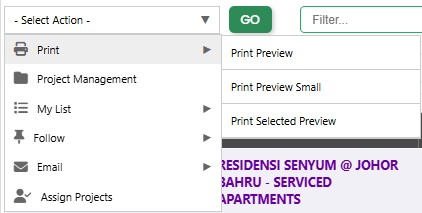
You have 3 options of printing a project(s).
- Print Preview (Standard font size)
- Print Preview Small (smaller font size, for compact printing, saving paper wastage)
- Print Selected Preview (select what data to print for a more compact printing)
Start printing your projects selection in 5 easy steps:
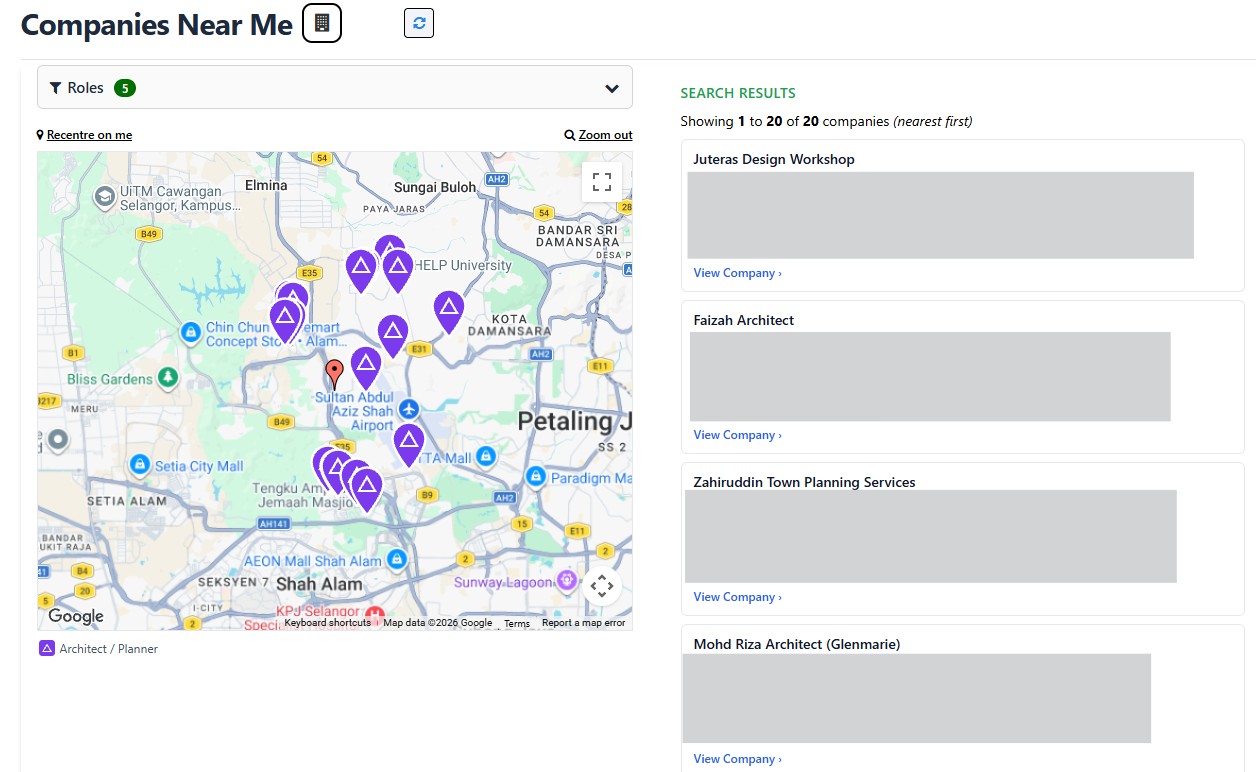
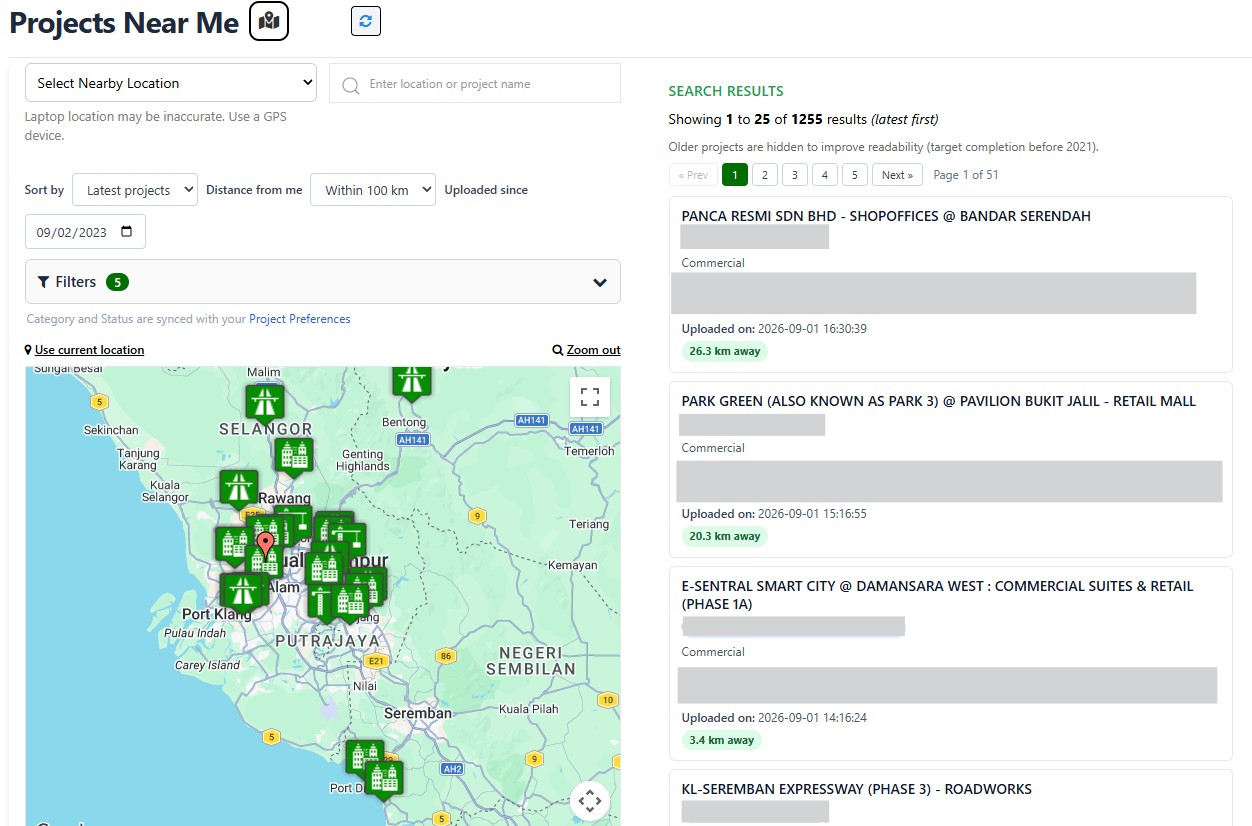
Step 1: Go to any project listing page
Step 2: Pick the projects you want to print, by ticking the selection box(es)
Step 3: Click "Select Action" drop-down menu, and select "Print" than select from the 3 submenu
Step 4: Click "Go" button
Step 5: Click the top centre "Print" button when you are ready to print the preview
Or if you are in a Project page, click the Print All button from the Your Options section.
That's it! Have a good day!